
Press Ctrl+ and K to search
IRelayCommand 是 CommunityToolkit.Mvvm 库中的核心接口,用于定义命令的基本行为和状态管理。它继承自 ICommand 接口,并提供了更丰富的功能和更好的类型支持。
主要特点:
- 支持命令执行
- 提供命令可执行状态管理
- 类型安全
- 支持泛型参数
Nuget 安装包
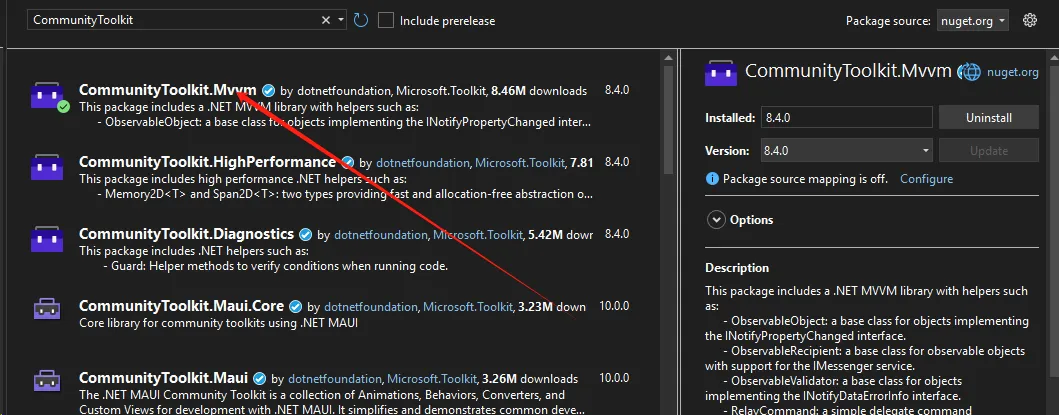
RelayCommand是CommunityToolkit.Mvvm库中非常强大的命令实现,它简化了MVVM模式中命令的创建和使用。本文将详细探讨RelayCommand的各种应用场景。
RelayCommand 的主要作用
- 简化命令创建
- 提供轻量级的命令实现
- 减少样板代码
- 支持无参数和带参数的命令
- 解耦用户交互逻辑
- 将界面交互逻辑从视图中分离
- 提高代码的可测试性和可维护性
Nuget 安装包
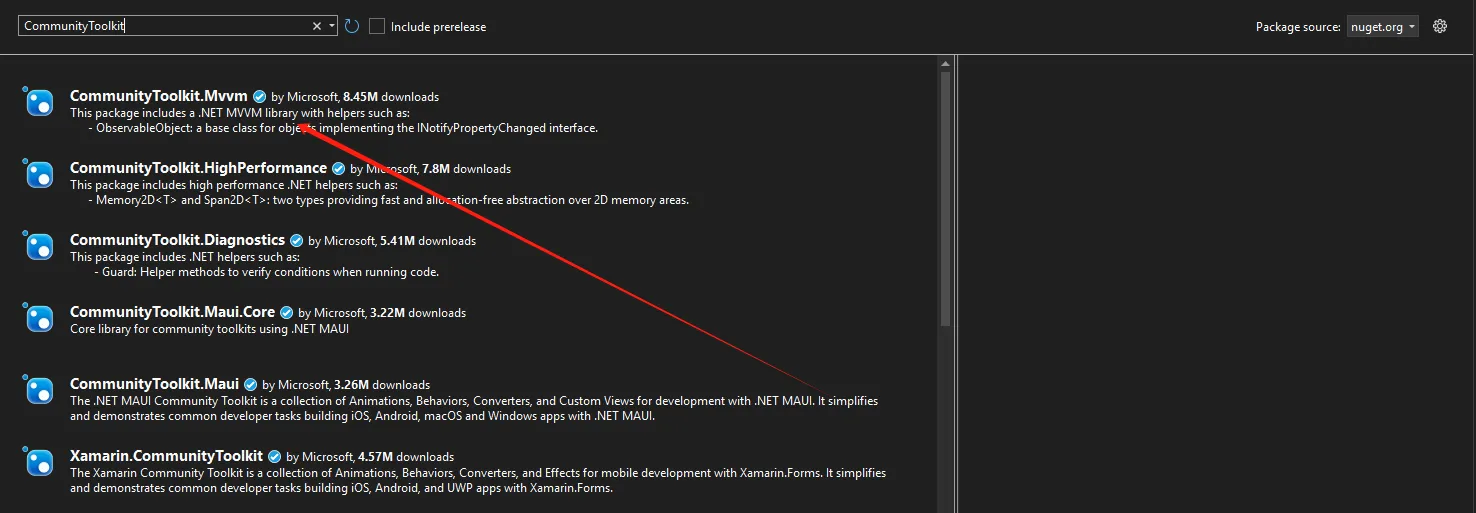
在 MVVM 架构中,属性变更通知是保持视图和模型同步的关键机制。NotifyPropertyChangedFor 特性是 CommunityToolkit.Mvvm 提供的一个强大工具,它允许我们在一个属性发生变更时,自动触发其他相关属性的通知。
Nuget 安装CommunityToolkit.Mvvm
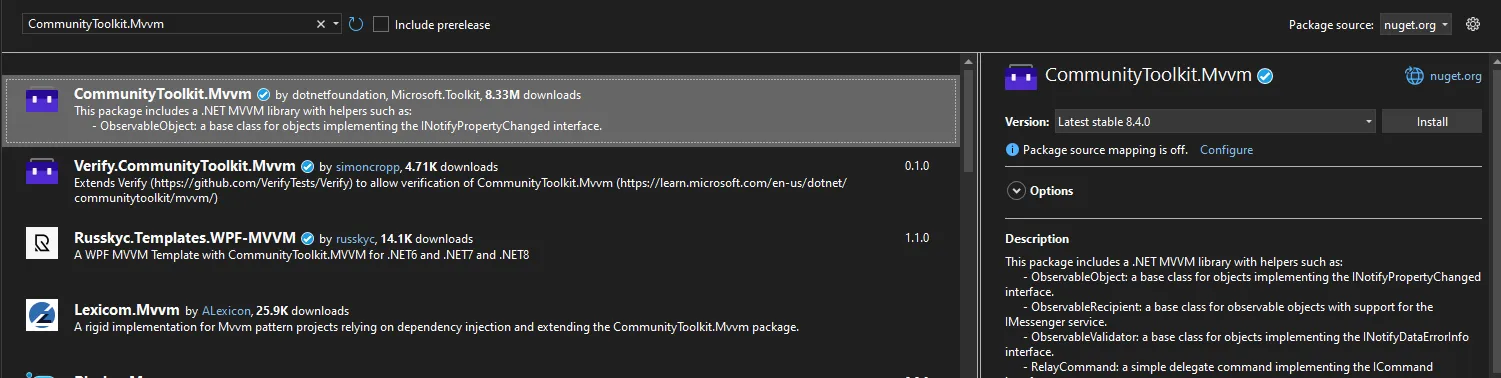
基本概念
NotifyPropertyChangedFor 特性的主要作用是:
- 当装饰的属性发生变更时,自动触发其他指定属性的
PropertyChanged事件 - 减少手动编写属性通知的重复代码
- 简化属性依赖关系的管理
什么是ObservableProperty?
ObservableProperty是CommunityToolkit.Mvvm提供的一个强大属性生成器,它能够:
- 自动生成属性变更通知
- 减少样板代码
- 提供编译时代码生成
- 支持复杂的属性变更逻辑
安装准备
Bash# 通过NuGet安装
dotnet add package CommunityToolkit.Mvvm
详细示例集锦
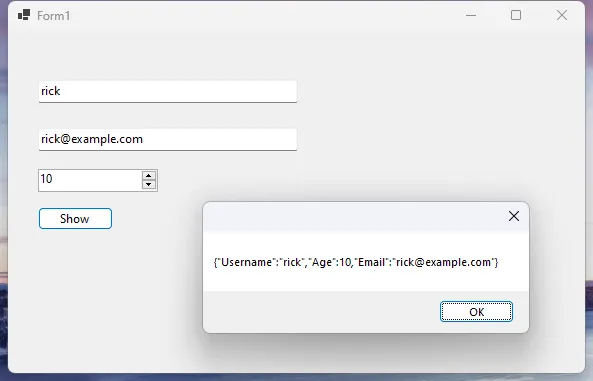
示例1:基础用户信息管理
C#// 用户信息ViewModel
public partial class UserViewModel : ObservableObject
{
    // 基础属性定义
    [ObservableProperty]
    private string _username;

    [ObservableProperty]
    private int _age;

    [ObservableProperty]
    private string _email;

    // 自定义属性变更处理
    partial void OnUsernameChanged(string value)
    {
        // 用户名变更时自动生成邮箱
        if (!string.IsNullOrWhiteSpace(value))
        {
            Email = $"{value.ToLower().Replace(" ", "")}@example.com";
        }
    }

    // 验证方法
    private bool ValidateUserInfo()
    {
        // 简单的输入验证逻辑
        return !string.IsNullOrWhiteSpace(Username)
               && Age > 0
               && !string.IsNullOrWhiteSpace(Email);
    }
}
C#public partial class Form1 : Form
{
    private UserViewModel _viewModel;
    public Form1()
    {
        InitializeComponent();

        // 初始化ViewModel
        _viewModel = new UserViewModel();

        // 数据绑定
        txtUsername.DataBindings.Add("Text", _viewModel, nameof(UserViewModel.Username), true, DataSourceUpdateMode.OnPropertyChanged);
        numAge.DataBindings.Add("Value", _viewModel, nameof(UserViewModel.Age), true, DataSourceUpdateMode.OnPropertyChanged);
        txtEmail.DataBindings.Add("Text", _viewModel, nameof(UserViewModel.Email), true, DataSourceUpdateMode.OnPropertyChanged);

    }

    private void btnShow_Click(object sender, EventArgs e)
    {
        // 序列化ViewModel对象
        MessageBox.Show(JsonSerializer.Serialize(_viewModel));
    }
}
在 C# 开发中,INotifyPropertyChanged 接口在实现 MVVM(Model-View-ViewModel)模式时至关重要。它允许视图(UI)在后台数据发生变化时自动更新,从而实现数据绑定和界面同步。本文将详细介绍如何实现 INotifyPropertyChanged 接口,并利用 CommunityToolkit.Mvvm 库简化开发过程。
什么是 INotifyPropertyChanged 接口
INotifyPropertyChanged 是位于 System.ComponentModel 命名空间中的一个接口,主要用于通知绑定客户端属性值已更改。它包含一个事件:
C#public event PropertyChangedEventHandler PropertyChanged;
当属性值发生变化时,需要触发 PropertyChanged 事件,通知绑定的 UI 更新显示。